Localised Onboardings
We introduced a smart way to display localized onboarding for users. The requirements are as follows:
- User has set language X in browser
- User visits onboarding
fabulous-new-onboarding - If there is a localized onboarding released, it should follow the naming convention
fabulous-new-onboarding-localized-$languageCode, where$languageCoderepresents the user’s language set in the browser.
As a result, when a user visits the URL /onboarding/fabulous-new-onboarding, they will see the localized onboarding page without being redirected. This is achieved using a Cloudflare Worker under the hood, which is aware of the localized version of the onboarding and serves the localized content directly without any redirection.
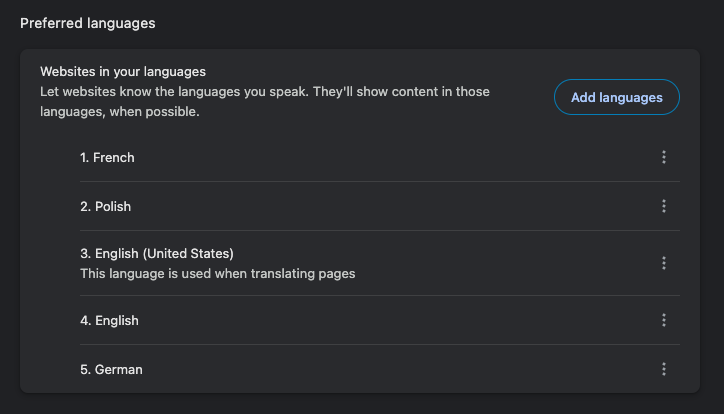
To ensure a personalized browsing experience, you can set your preferred language in Chrome: